How to Organise a Tournament: A Complete Guide

If you've organised a tournament before, you already know the real work isn't the bracket, it's the 40 emails asking "what pitch am I in," the roster three teams never sent, and the spreadsheet nobody can find on the morning of the event.
This guide is a step-by-step framework for planning and running a sports tournament, built around a 12-week timeline that scales from an 8-team weekend cup to a 500-team multi-division youth championship. It's written for tournament directors, club administrators, school and league organisers, and tournament companies: anyone responsible for turning a list of teams into a finished event with a schedule, results and a public presentation.
The 12-week Tournament Planning Framework
Most organiser failures aren't caused by a bad format or a bad venue; they're caused by sequencing. Registration opens before the structure is decided. The schedule gets built before anyone confirms pitch availability. The website goes live the night before the event, half-finished.
The framework below sequences the work into five phases. Use all 12 weeks for a first-time or 100+ team event; compress it to 3–4 weeks for a smaller recurring cup where most of the decisions are already templated from last season.
Phase | Weeks out | Focus |
|---|---|---|
1. Define | 12–10 | Goals, audience, format, budget, venue and date |
2. Open | 9–7 | Registration live, team data collection, sponsor outreach |
3. Build | 6–4 | Divisions, schedule, referees/venues assigned |
4. Publish | 3–1 | Public website live, final rosters locked, run-of-show set |
5. Run & close | Event week+ | Game-day operations, results, feedback, archive |
The rest of this guide walks through each phase. The full week-by-week checklist is at the end.
1. Choose your tournament format and structure
Your format decision drives everything downstream: how many matches you need to schedule, how many pitches or courts you need, and how long the event runs. Decide this before you open registration, not after.
Three structures cover most sports tournaments:
League/round robin: every team plays every other team (or every team in its group). Best when you want guaranteed games for every participant and have the time for it. See our round robin format guide for match-count formulas and tiebreaker rules.
Knockout / single elimination: a pure elimination bracket. The fastest way to run a large field in a short window, but roughly half the teams play only once. Our tournament brackets guide covers seeding and bye handling.
Group stage + knockout: the hybrid most competitive tournaments actually use, group play to guarantee games and seed a knockout bracket for the finish. If you're unsure which of the three fits your event, our tournament types comparison walks through the trade-offs by team count, timeline and pitch availability.
Running more than one age group or division? This is where a lot of manual planning breaks down, since a U11, U13 and U15 division are really three tournaments sharing one event. MyCup's multi-division support (Premium plan and above) lets you run independent structures, standings and schedules under one event, with teams automatically promoted between phases as results come in. In our Dínamo Futsal CUP case study, an organiser ran three youth divisions, Benjamins (U11), Infantis (U13) and Iniciados (U15), covering 29 teams and 352 players inside one tournament, with each division progressing to its knockout stage automatically.
2. Build a working budget
You don't need a finance background, just a line-item list you actually check against reality. At minimum, plan for:
Line item | Notes |
|---|---|
Venue/pitch hire | Often your highest fixed cost |
Officials/referees | Per-match or per-day rate |
Equipment | Balls, nets, timing, first aid |
Awards/prizes | Medals, trophies, or cash where applicable |
Software/platform | One-off per-tournament vs. subscription, see below |
Marketing | Local promotion, printed materials |
Insurance | Confirm requirements with your venue or federation |
Contingency | 10–15% buffer for the inevitable surprise |
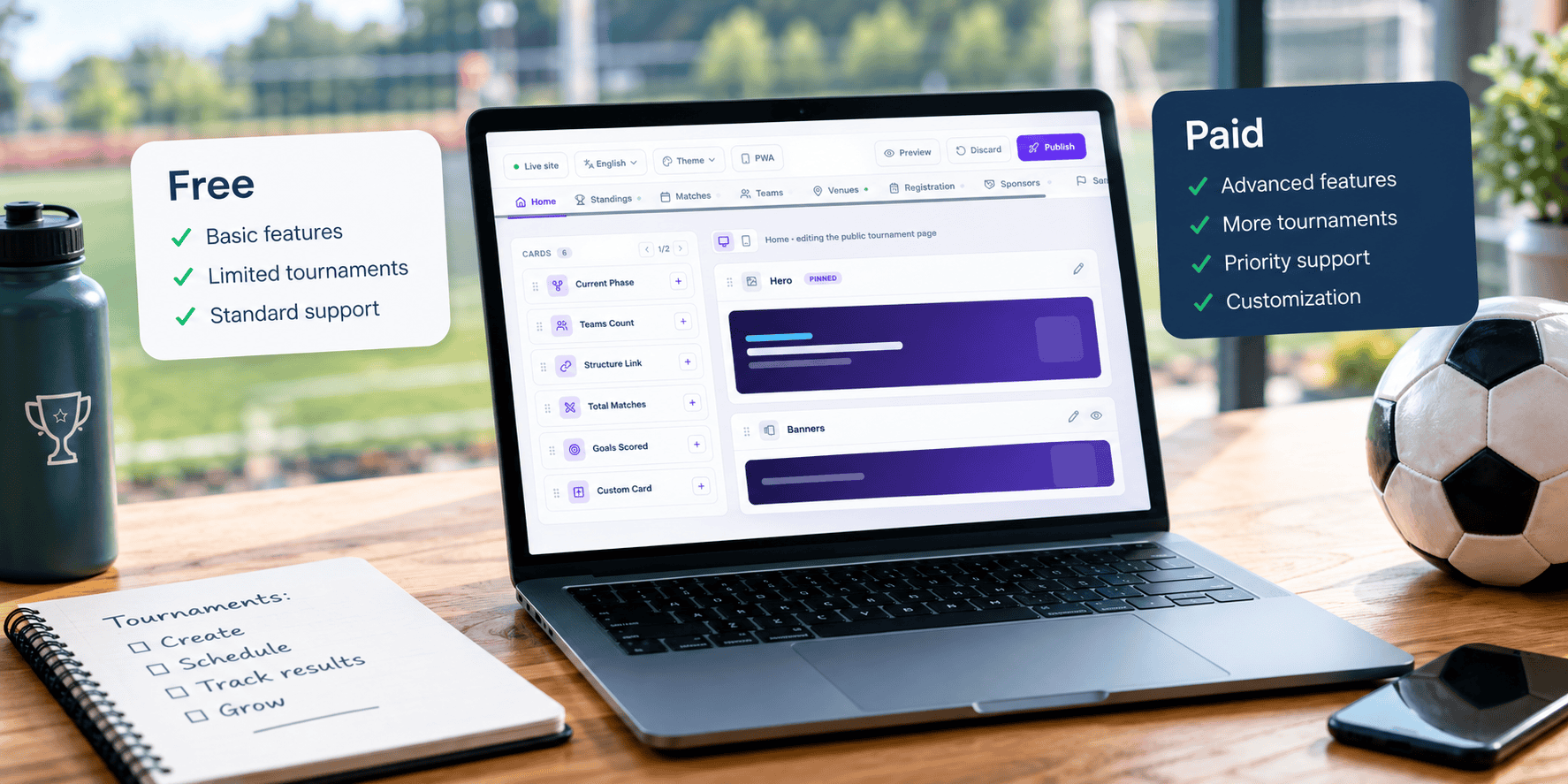
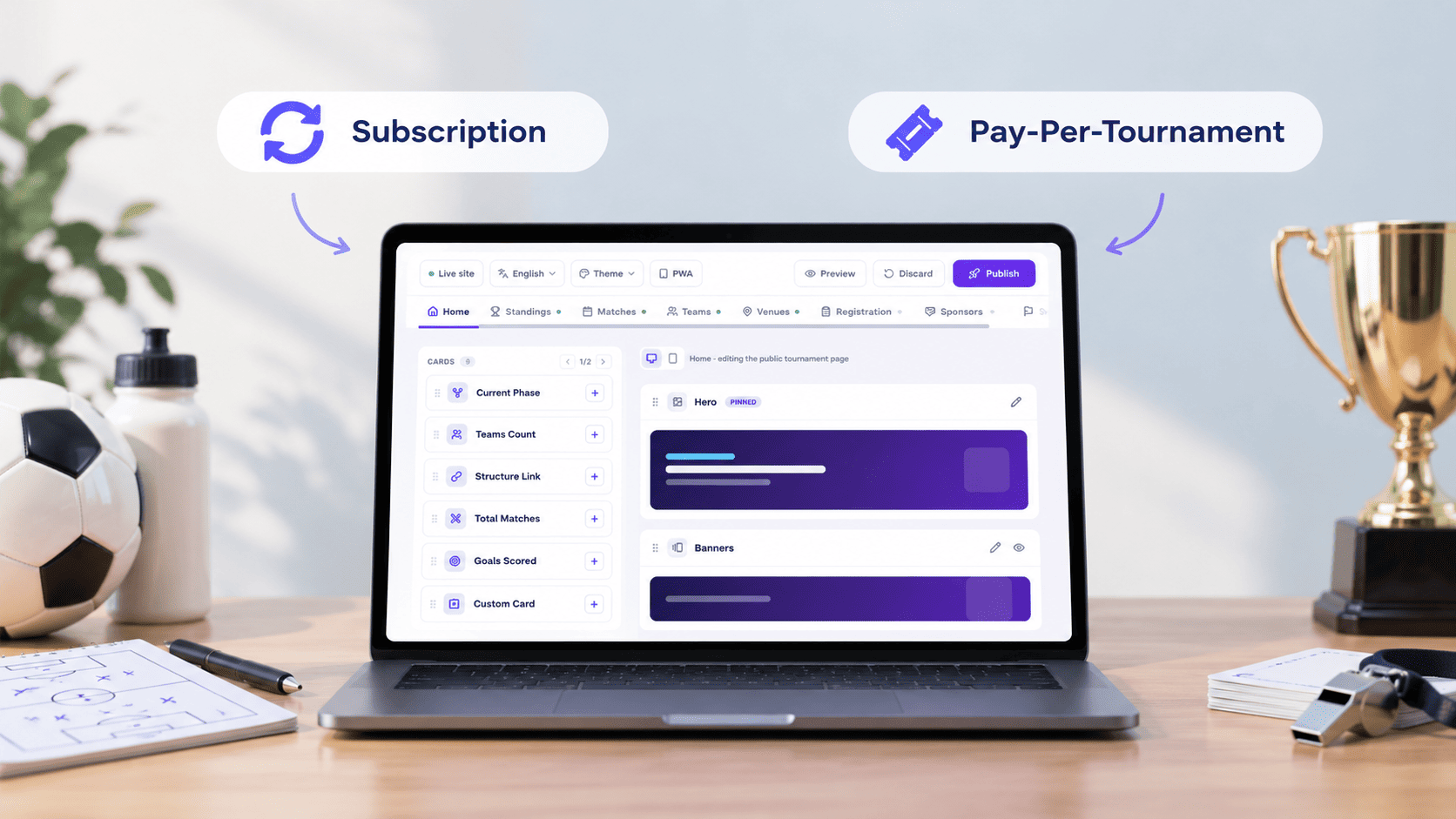
On the software line: tournament platforms are usually priced one of two ways: a recurring subscription, or a one-off fee per tournament. MyCup uses the second model: a free plan for up to 8 teams, then one-off Pro and Premium tiers (no recurring charge) as your team count and division needs grow, with bespoke Enterprise pricing for organisations running multiple events a year. Compare plans before you finalise this line, so you're not guessing.
3. Open registration and collect team data
This is the step that turns into an inbox full of half-completed spreadsheets if you don't design it deliberately. A registration workflow needs three parts:
A public sign-up form teams can complete without an account or a phone call.
An approval step so you control who's actually in the tournament before publishing a schedule around them.
A way to delegate data collection, rosters, staff lists, meal and accommodation info for multi-day events, to the teams themselves, rather than re-typing everything you're sent by email.
4. Build the schedule
Scheduling is a constraints problem: number of matches, number of pitches or courts, rest time between games, divisions running in parallel, and referee or official availability. Work in this order:
Confirm your total match count from the format you chose in step 1 (round robin, group+knockout, etc., each has a different formula).
Confirm how many pitches/courts and hours you actually have.
Build in rest windows between matches for the same team. This is the constraint most first-time organisers skip, and it's the one that causes on-pitch conflicts.
Assign venues and referees last, once the match grid is stable. Assigning them earlier just means redoing it when the grid changes.
Build in contingency time for delays before you publish anything.
MyCup generates fixtures automatically from your structure and can assign venues and referees as part of that same workflow, so the schedule and the assignments stay in sync instead of living in two separate documents.
5. Set up your public tournament website
Participants and parents will check one thing more than anything else: "what's my schedule and what's the score." A public tournament website that updates itself is the difference between answering that by text message all weekend and not answering it at all.
At a minimum, your tournament's public presentation should include:
Fixtures and results, filterable by division or team
League tables and/or the knockout bracket
A team directory with rosters
Top scorer / stats leaderboards if your sport tracks them
Venue and schedule information
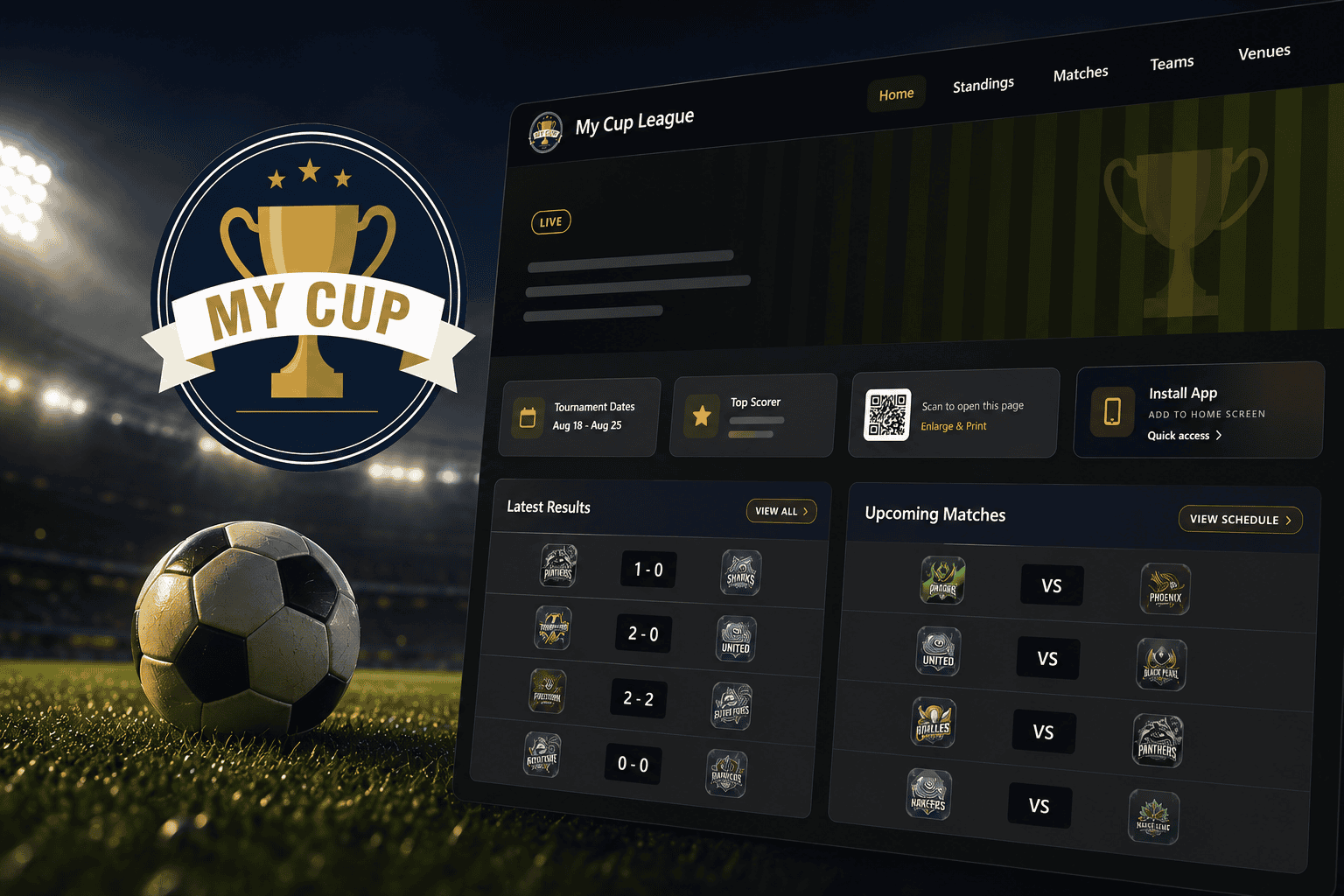
MyCup generates this automatically for every tournament: fixtures, standings, brackets, team pages and stats update in real time as results are entered, with no manual republishing. You can customise the layout through a drag-and-drop website editor (17 built-in themes, custom branding on paid plans), and Premium plans add a sponsor showcase and a document repository for rulebooks and schedules.
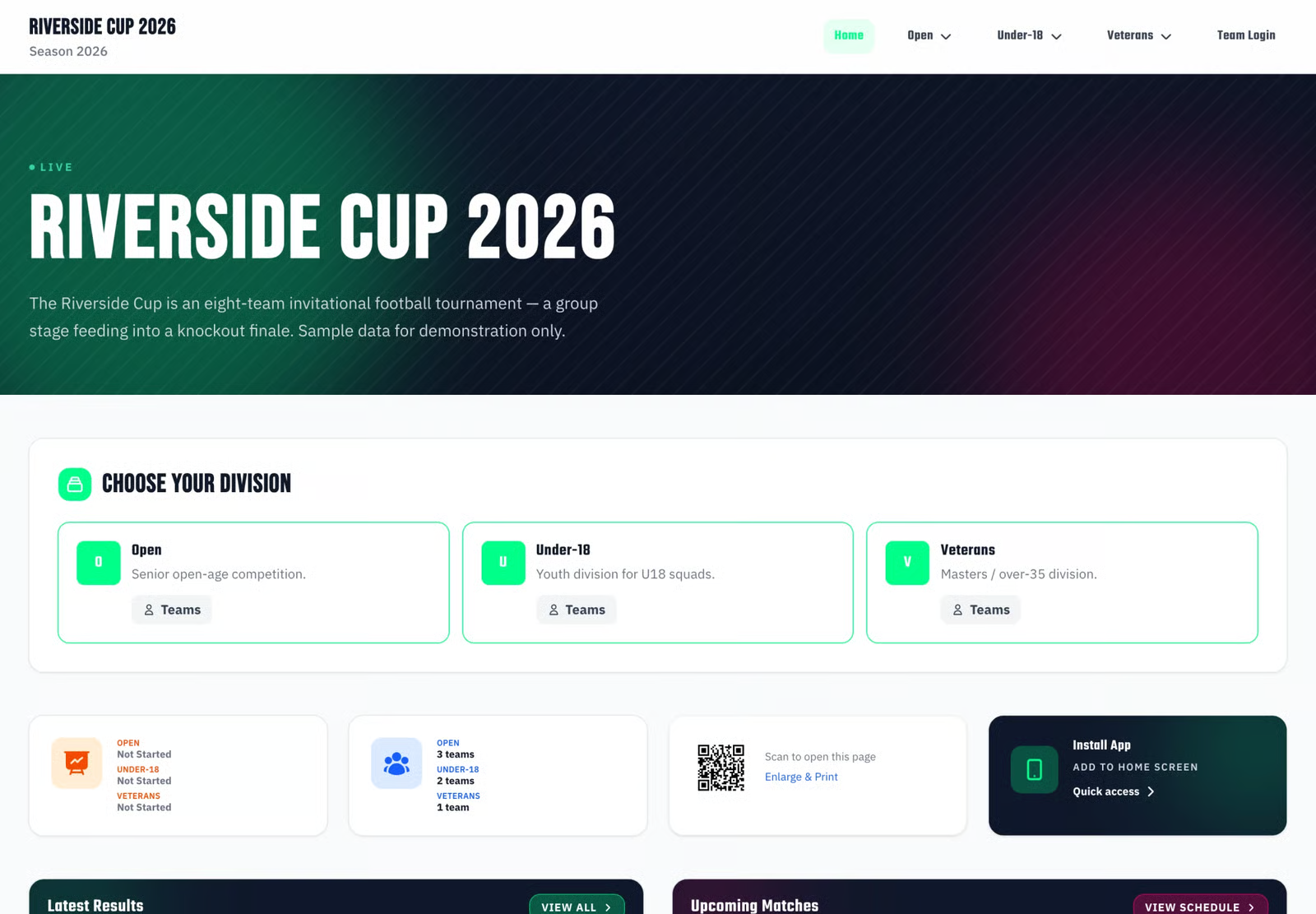
See the full breakdown of what a public site can include in our tournament website documentation.
6. Run the event on tournament day
Planning ends and operations begin. On the day:
Check-in first. Confirm every team/player who's actually present before the first match, not during it.
One source of truth for results. Whoever enters scores should be entering them directly into the system that feeds your public site, not into a notebook that gets transcribed later.
A delay protocol, decided in advance. Know your threshold for pushing a match, and how you'll communicate it (public site update, group chat, PA announcement) before you need it.
A named person owns communications. Decide who posts updates to the public site and who fields questions, so it isn't improvised in the moment.
7. Wrap up and archive the results
The tournament isn't done when the final whistle blows:
Confirm final standings and results are correct and published before you close registration for next time.
Send a short participant survey; it's the cheapest source of next season's improvements.
Publicly recognise winners and top performers on the site while attention is still high.
Keep the public site live as a permanent record: it's evidence for sponsors, proof for participants, and a head start on next season's promotion.
12-week Tournament Planning Checklist
Weeks out | Tasks |
|---|---|
12 | Define goals and audience; confirm venue and date; draft budget |
11 | Choose tournament format and structure; decide on divisions |
10 | Finalise budget; confirm platform/software plan |
9 | Open registration; publish rules and eligibility criteria |
8 | Begin sponsor outreach if applicable |
7 | Send registration reminders; begin collecting rosters |
6 | Close or soft-close registration; confirm final team/division counts |
5 | Build tournament structure and generate the schedule draft |
4 | Assign venues and referees; confirm officiating coverage |
3 | Publish the public tournament website; lock rosters |
2 | Finalise run-of-show and on-site staff roles |
1 | Send final logistics to teams; confirm delay/contingency protocol |
Event | Check-in, live results, on-site communications |
Post-event | Publish final standings, send survey, archive site, review for next season |
Frequently Asked Questions
How far in advance should I start planning a tournament?
What's the minimum I need to run a tournament without spreadsheets?
Do I need a dedicated tournament website, or is a shared spreadsheet enough?
How do I handle disputes on tournament day?
What if a match runs late or a team doesn't show?