Tournament Management Software vs Excel: When Is It Time to Switch?
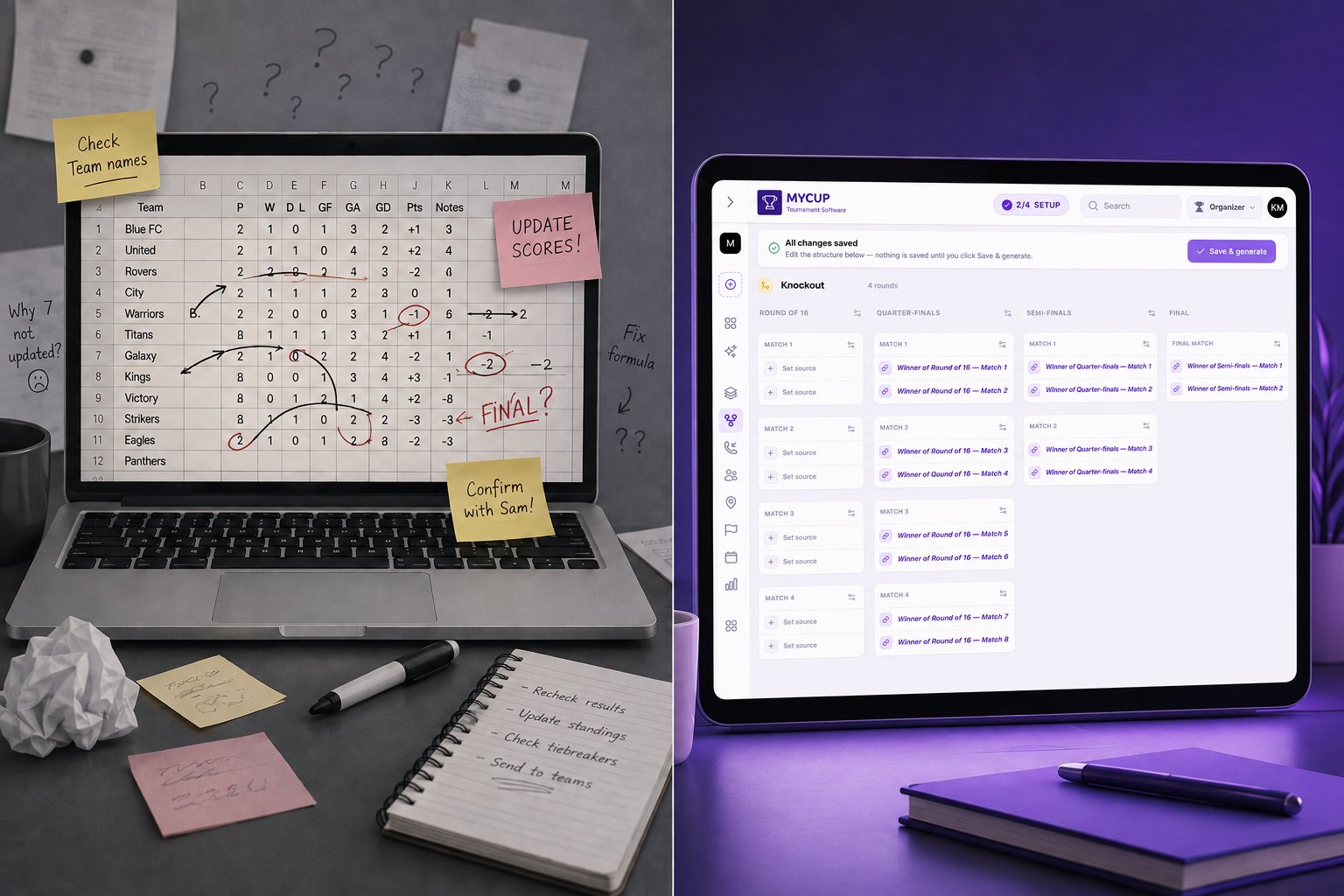
Quick answer: Excel is genuinely fine for a one-off tournament with 8 teams or fewer, one venue and no live sharing needs. Past that, the hidden cost isn't the spreadsheet itself; it's the hours you spend keeping it correct and the messages you send every time something changes. If you're re-typing standings by hand more than once a matchday, or if fans and parents keep asking "where can I see the bracket?", you've already outgrown it.
This guide breaks down exactly where the line sits, what switching changes in your workflow actually, and what it costs either way.
Where Excel Genuinely Works
Let's be honest about this first, because most "software vs Excel" comparisons aren't. A spreadsheet is a reasonable choice when:
You're running a single, small event (roughly 8 teams or fewer).
Everyone involved is in one WhatsApp group or on-site together.
The format is simple (a single round-robin table or a basic knockout).
Nobody outside your organising team needs to check results in real time.
If that's your event, a template from the Spreadsheet Page or a basic bracket file will do the job, and you don't need to read the rest of this article. Excel costs nothing if you already have it, everyone already knows how to use it, and it doesn't require an account or an internet connection.
Where it Breaks Down
The friction shows up the moment your tournament grows past a single screen, or the moment more than one person needs to touch the data. Three failure modes account for most of it.
1. Version control
The moment two people edit the same file, you're managing versions instead of the tournament. "Final_v3_ACTUAL.xlsx" sent over email or WhatsApp is the norm, not the exception, once you have a co-organiser, a referee coordinator and a registration volunteer all touching the same sheet. One person works from a stale copy, enters a score into the wrong cell, and the standings are wrong until someone notices.
2. Manual recalculation
Round-robin standings, tiebreakers and knockout progression all need recalculating by hand (or via formulas that break the moment a row gets inserted or deleted). A dropped team, a rescheduled match, or a forfeit means going back through every affected formula. This is where most of the "11 pm on a Sunday, still fixing the bracket" stories come from.
3. Sharing and updates
Spreadsheets aren't built for public viewing. Sharing usually means a screenshot in a group chat, which is out of date the moment the next match finishes. Parents, players and sponsors have no single place to check the schedule or standings themselves, so every update becomes a message you have to send to every group, every time.
Decision Matrix: Which One Fits Your Event?
Your event | Recommendation | Why |
1 day, 8 teams or fewer, one venue | Spreadsheet is fine | Low complexity, no ongoing sharing need |
1 day, 9 to 20 teams, one or two venues | Consider switching | Manual recalculation risk rises fast; a public results page saves real time |
Multi-day or multi-division event | Switch | Divisions, reschedules and cross-team communication overwhelm a single sheet |
Recurring seasons or several events a year | Switch | You need a permanent, linkable archive per season, not a growing pile of files |
Parents, sponsors or spectators expect live results | Switch | Spreadsheets can't publish; a public site can |
If you're only unsure about one row, it's usually the second one. The honest test: how many separate messages did you send last time just to tell people the standings changed? If it's more than a handful per matchday, you're already paying the admin cost; you're just paying it in time instead of money.
What Actually Changes When You Switch
Moving off a spreadsheet isn't really about the bracket; it's about who has to do the manual work and how people find out what's happening.
Spreadsheet | MyCup | |
Building the structure | Manual formulas per format | Structure builder: league, knockout or group + knockout, generated automatically |
Updating standings | Recalculate by hand after every result | Updates instantly when a score is entered |
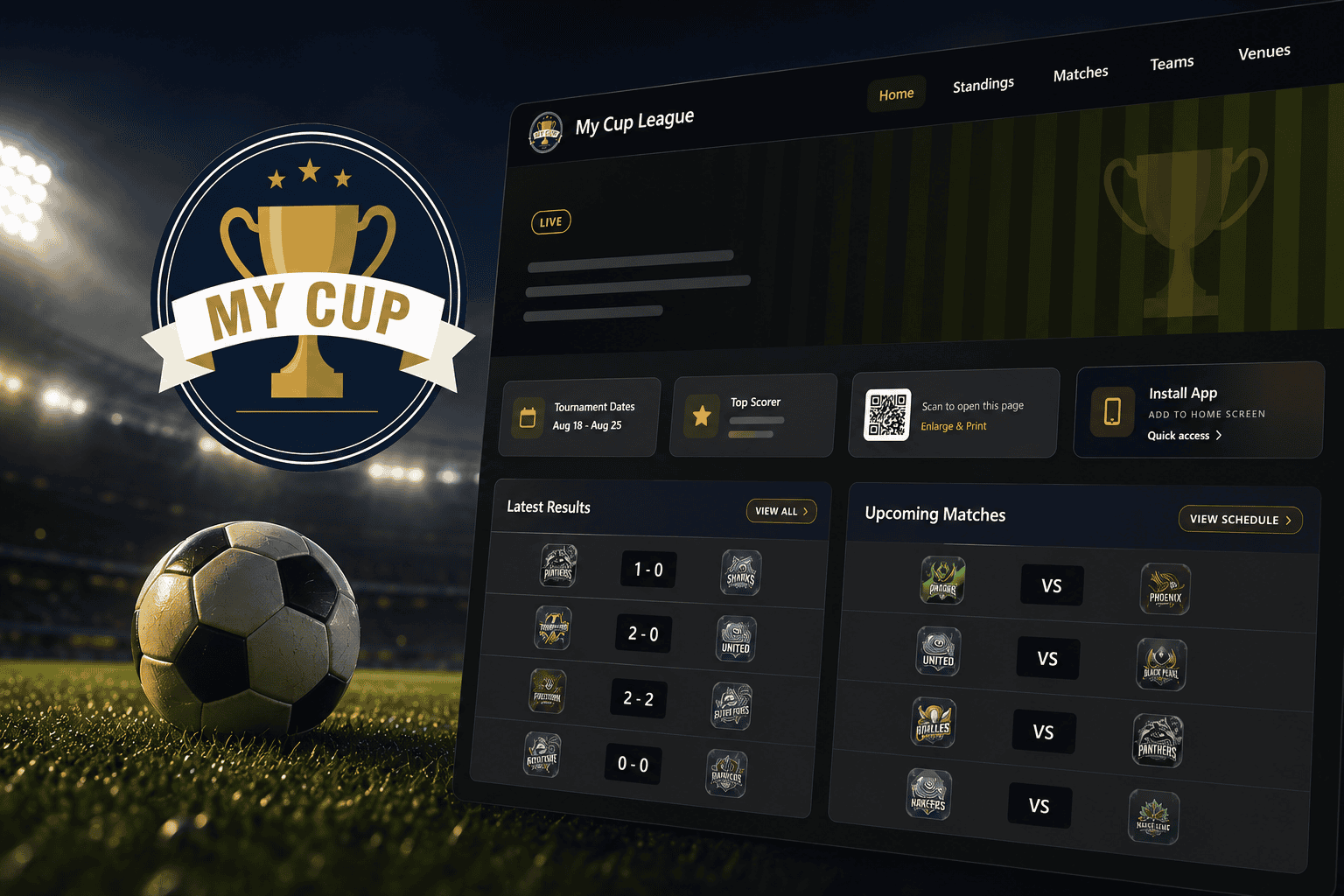
Sharing with participants | Screenshots, re-sent on every change | One public tournament website, always current |
Collecting rosters | Email or a shared file everyone can overwrite | Team managers submit their own rosters through a dedicated panel |
Running next season | Duplicate the file and hope nothing breaks | Each tournament is its own permanent, linkable archive |
The underlying shift is that fewer things depend on you personally re-typing or re-sending something. That's the actual time saved, not a feature checklist.
Proof From a Real Event
Dínamo Futsal Cup, a multi-day youth futsal tournament running several age divisions at once, moved their event management to MyCup rather than running it through spreadsheets and group chats. In their words:
"With MyCup we were able to provide a more organised, modern and complete experience for all participants of the Dínamo Futsal CUP. On top of all these features, we always had the support of the MyCup team, who were always there to help."
Read the full breakdown, including how they structured their divisions and registration, in the Dínamo Futsal Cup case study.
What It Costs Either Way
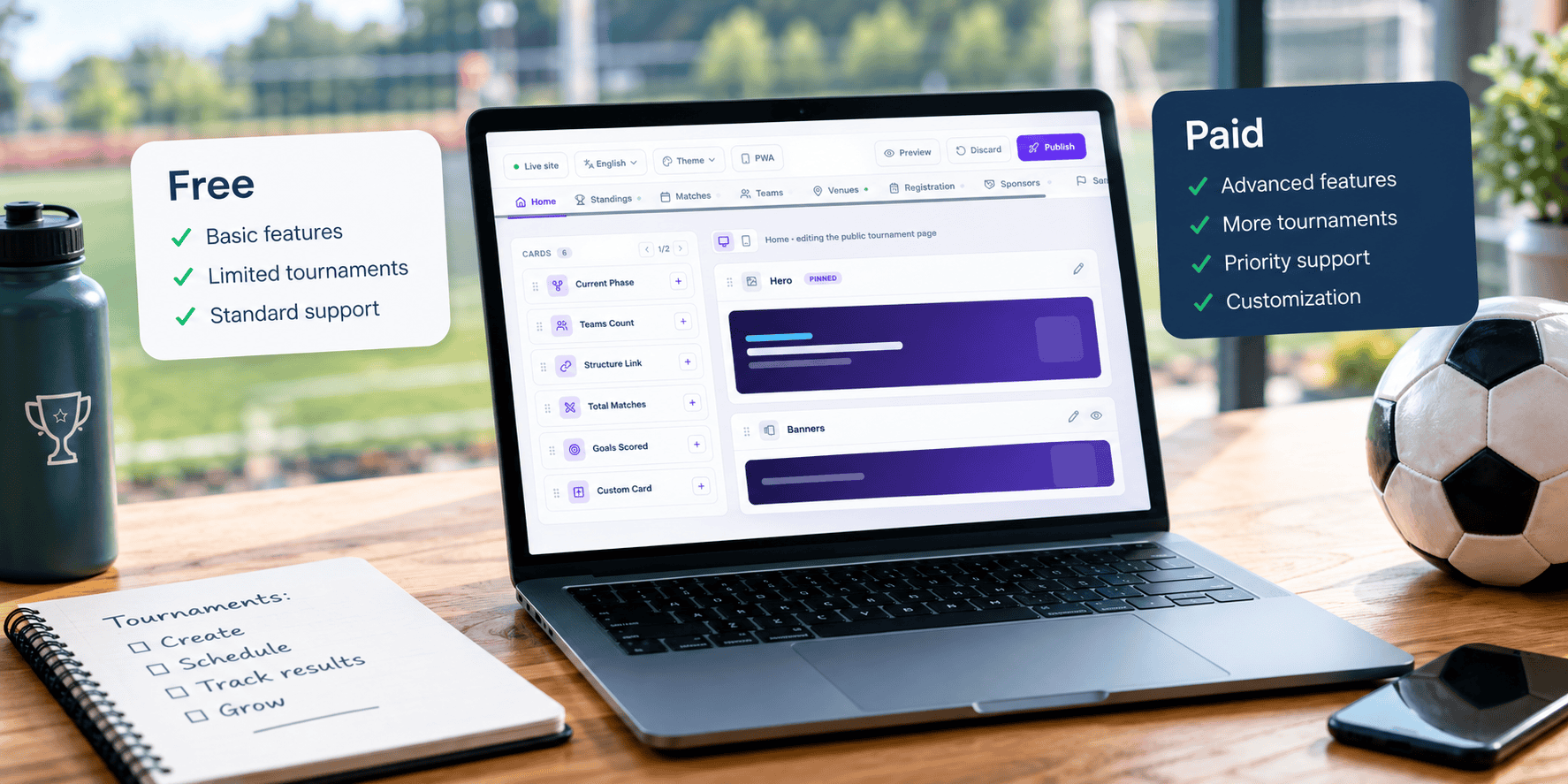
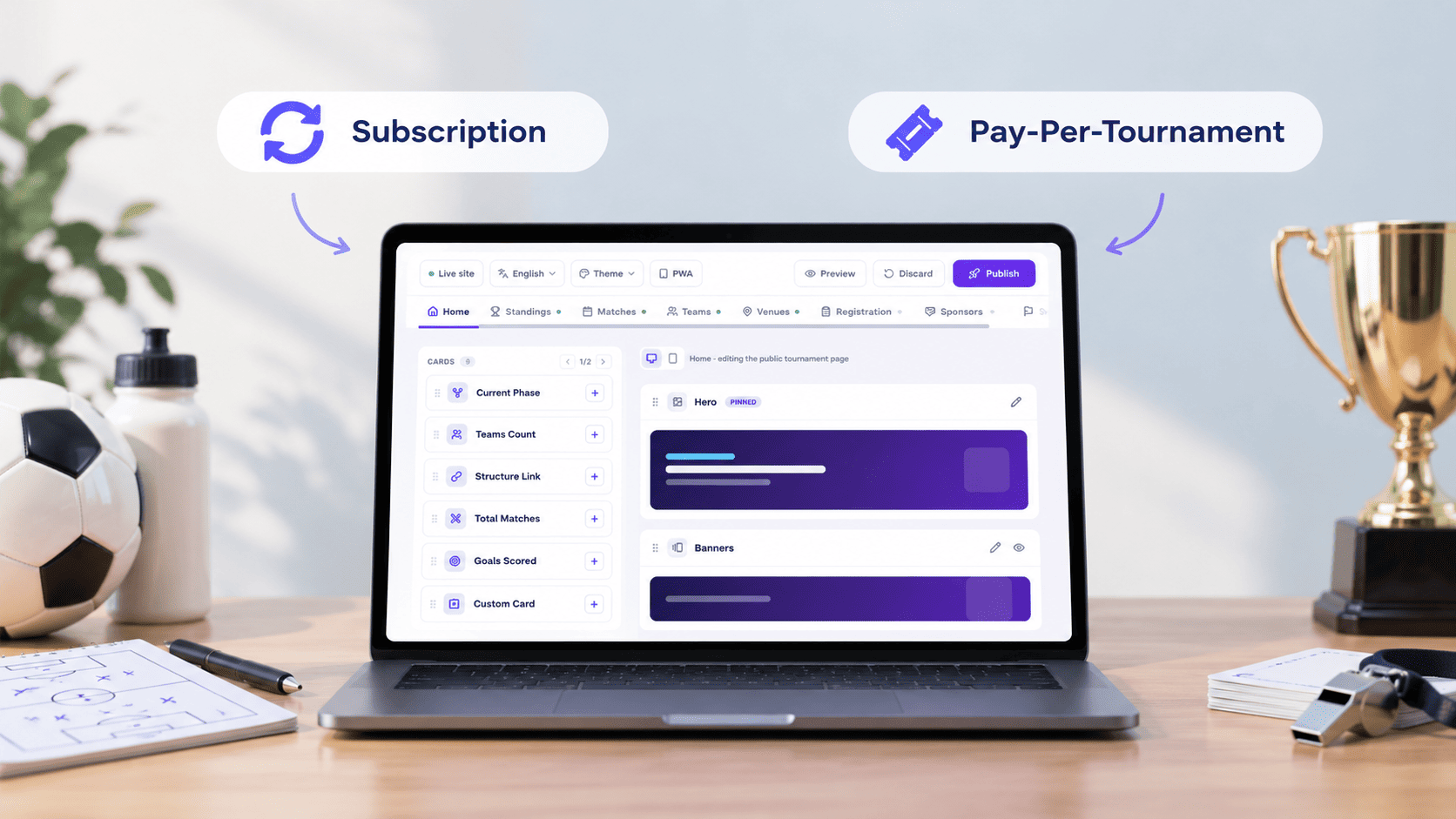
Excel is free if you already have it, but it isn't free of cost; the cost is your time, and it scales badly with tournament size. MyCup's plans are one-time per tournament, not a subscription:
Plan | Price | Teams | Best for |
Free | €0 | Up to 8 | Trying it out, or a genuinely small event |
Pro | €50 one-time | Up to 50 | Clubs and local organisers |
Premium | €150 one-time | Up to 500 | Large events, multiple divisions, federations |
Enterprise | Custom | Unlimited | Federations and organisations running many events |
You pay once per tournament and keep lifetime access, including the public results page, so there's nothing to renew between seasons. Full details on the pricing page.