Free vs Paid Tournament Software: What Organisers Actually Need
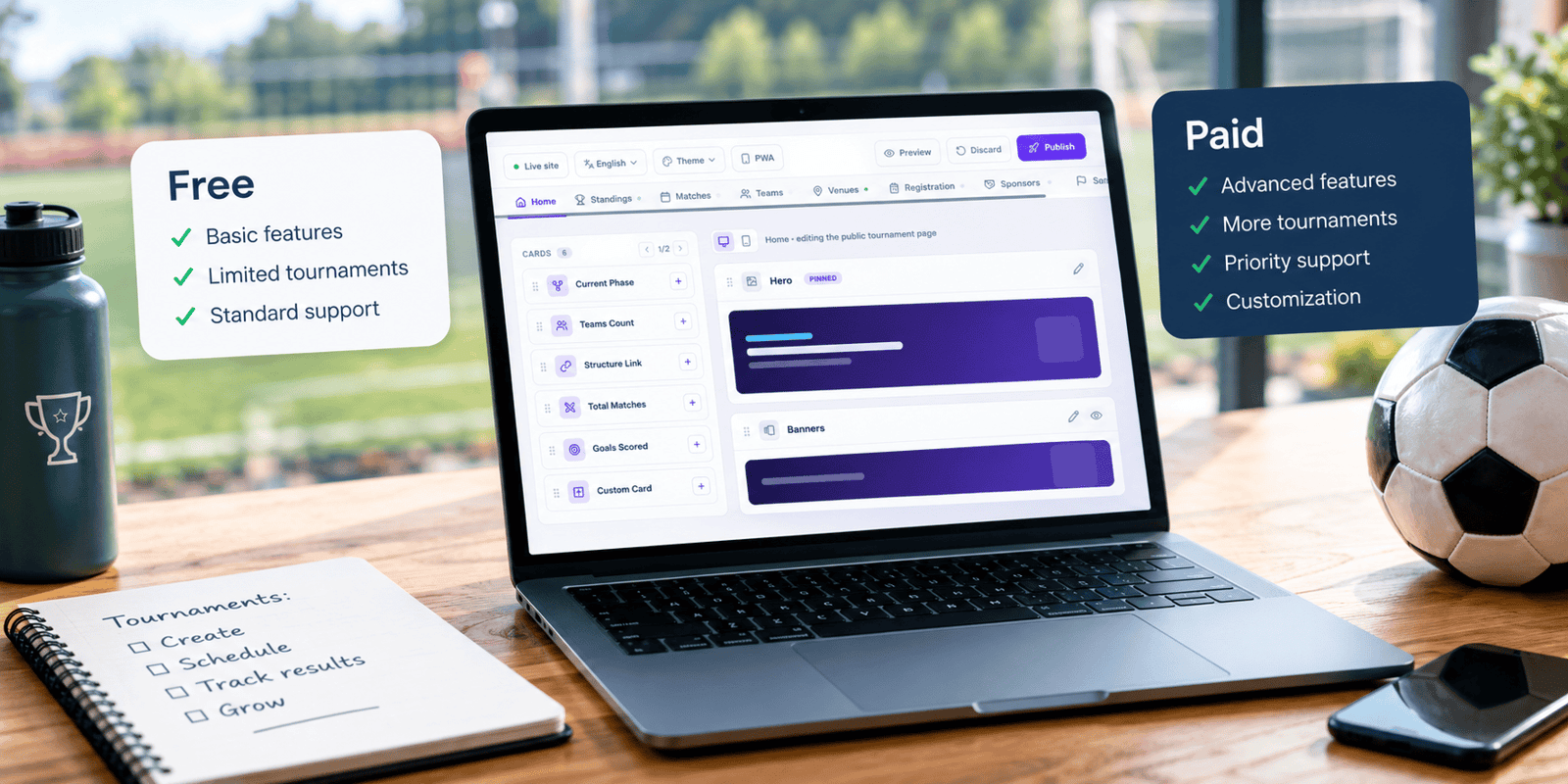
Free tournament software is enough for a single-competition event with eight teams or fewer, where you are happy to enter everything yourself and show the vendor’s branding on your public page. As soon as you add a second age group, want clubs to manage their own rosters, have sponsors to display or simply take a ninth team, you need a paid plan. The real question is not whether to pay, but which limit you will hit first.
This guide breaks the decision down by the six limits that actually force an upgrade: team count, divisions, branding, team portals, sponsor and document presentation, and support.
When free tournament software is enough (and when it isn’t)
Free works well when:
You have eight teams or fewer in a single competition
It is a one-off: an office five-a-side, a club fun day, a friendly mini-league
Nobody pays an entry fee, so nobody expects a polished experience
You are comfortable typing in every team, player and result yourself
Free stops working when:
The ninth team registers
You add a second age group or category
A sponsor wants their logo on the public site
Ten or more clubs start emailing you rosters as spreadsheets and photos
Something breaks on match day and you need an answer within hours, not days
What free tournament management software actually includes
Free tiers vary more than their headlines suggest. Here is what three widely used tools offer at €0 or $0.
Tool | Free limit | What’s included | The catch | First paid step |
|---|---|---|---|---|
MyCup Free | 8 teams, one competition | Basic tournament setup, public tournament page, statistics | MyCup watermark, no custom branding or documents, community support | Pro: €50 one-time per tournament, 50 teams |
Tournify Amateur | 8 teams | Participant management, format and schedule tool, live website and slideshow | Custom branding, sponsor listing and app publishing sit on paid tiers | World Class: €40 per event, 60 teams |
Challonge Standard | 256 participants per tournament, unlimited tournaments | Tournaments, events and communities | Ad-supported; $0.75 per order on paid registrations via Stripe | Premier: $12/month, or $6.99/month billed yearly |
Prices checked 13 October 2026 on each vendor’s pricing page. Always confirm before buying.
The pattern is clear: free tiers cover running a small competition. Paid tiers cover presenting it and sharing the workload.
The six limits that decide free vs paid
1. Team count
This is the limit most organisers hit first, and the easiest to plan for. Count your realistic maximum, not your expected entries. Youth cups regularly take late entries, and a 12-team plan becomes 14 the week before kick-off.
Remember that team count drives everything else. A 16-team youth cup with 12 players and 2 staff per team means 224 people records to collect, check and publish. Free software rarely helps you share that load.
2. Divisions and age groups
Almost every youth tournament runs several age groups at once: U9, U11 and U13 on the same weekend, at the same venue. On entry-level plans, each age group typically has to be its own separate tournament, with its own setup, its own public page and, often, its own purchase.
That fragmentation costs more than money. Parents with children in two age groups have to follow two links, and you maintain two schedules that share the same pitches.
On MyCup, divisions are a Premium feature (up to 10 per tournament). One useful piece of arithmetic: three separate Pro tournaments cost €150, the same as one Premium tournament, but Premium keeps every age group under one admin panel and one public website.
3. Branding and the watermark
Your public tournament page is the most-shared asset of the whole event. Parents send it to grandparents, clubs post it on social media, sponsors check it to see their money at work.
A vendor watermark or third-party ads on that page tell everyone you are on the free plan. That is fine for an internal club day. It is not fine when clubs have paid an entry fee or a local business has paid to sponsor the final.
4. Team portals: who types in the rosters?
This is the most underrated difference between free and paid, and the one that saves the most hours.
On most free and entry-level plans, team management is organiser-side only: you add every team, player and staff member yourself. Higher tiers give each club its own login so they manage their own squads, staff, documents and announcements.
The scale matters. When Dínamo Futsal CUP in São João da Madeira, Portugal, ran on MyCup Premium, its 14 clubs managed 352 players, 94 staff and 116 submitted forms across three age divisions through their own team panels. Without team logins, every one of those records would have landed in the organiser’s inbox. You can read the full breakdown in the Dínamo Futsal CUP case study.
5. Sponsors, documents and payments
Three things organisers usually discover they need a week before the event:
Sponsor placements on the public website, ideally with a report you can send the sponsor afterwards
Documents such as the rulebook, schedule PDF, parental consent forms and venue maps, published where teams can find them
Payment tracking so you know which clubs have paid their entry fee and which need chasing
Be precise about payments when comparing tools. Some platforms collect entry fees through a built-in checkout and take a per-order fee. Others, including MyCup, track what each team owes, send pro forma invoices and chase unpaid balances while the money moves by bank transfer or your existing system. Neither is better in every case: clubs and associations that already invoice by bank transfer often prefer tracking, while open public registrations usually want a checkout.
6. Support on match day
Free plans almost always mean community or forum support. That is acceptable during setup weeks before the event. It is not acceptable at 8:40 on Saturday morning when a pitch closes and 30 fixtures need moving.
Ask every vendor two questions: what is the guaranteed response time, and does it apply at weekends? A two-day email SLA is perfectly adequate for a club league configured a month ahead. A tournament weekend needs a response measured in hours.
Which plan fits your event? Five real-world scenarios
Scenario | Teams | Age groups | What actually matters | Plan that fits |
|---|---|---|---|---|
Office five-a-side evening | 6 | 1 | Fixtures and a live table | Free, €0 |
Club padel or tennis ladder | 8 players | 1 | Results everyone can check on their phone | Free, €0 |
Club summer cup | 24 | 1 | Club branding, rulebook online, entry fees tracked | Pro, €50 |
Youth cup like Dínamo Futsal CUP | 29 teams from 14 clubs | 3 | Divisions, club logins, sponsors, forms | Premium, €150 |
Agency or association running several events a season | Hundreds | Many | Volume pricing, one account, dedicated support | Custom Plan |
The jump from Pro to Premium is rarely about team count. A 30-team cup fits comfortably within Pro’s 50-team limit; it is the second age group or the need for club logins that pushes it to Premium.
A quick plan-fit decision tree
Work through these questions in order and stop at your first answer.
Do you have more than 8 teams?
No: go to question 2. Yes: go to question 3.Do you need your own branding, published documents or payment tracking?
No: Free. Yes: Pro.Do you need more than one age group, club logins, sponsor placements, or more than 50 teams?
No: Pro. Yes: go to question 4.Do you need more than 500 teams or 10 divisions, run several events a season, or need integrations with your existing systems?
No: Premium. Yes: Custom Plan.
The hidden costs of “free” tournament tools
The price tag on a free plan is €0. The cost to your event is not.
Admin hours. Take the 224 people records from the 16-team example above. At just one minute per record, that is close to four hours of data entry before a ball is kicked, plus every correction when a club swaps a player on Friday night. Free plans that keep team management organiser-side shift all of that onto you or your volunteers.
Credibility. Ads or a vendor watermark on the page you send to sponsors and parents undercut an event that clubs have paid to enter.
Data responsibility. Youth tournaments handle minors’ names, dates of birth and sometimes ID documents. Check who acts as data controller under the registration terms and where the data is stored. MyCup, for example, hosts its data in the EU (Amsterdam), which matters for clubs and associations working under GDPR.
Next year. Some per-event licences lock the tournament once it ends, and running the next edition means a fresh purchase and a fresh setup. Check whether last year’s results stay online and editable, and whether you can copy teams and structure into the new edition.
Questions to ask before you pay for tournament software
Before entering card details with any vendor, get clear answers to these:
Is it a one-time payment or a subscription, and does anything renew automatically?
What does an upgrade cost mid-event? Some vendors charge the difference; others charge the full price of the higher plan.
What happens after the final? Can you still edit results, and does the public site stay online?
Can you reuse the setup for next year’s edition?
Where is participant data stored, and who is the data controller?
What is the refund window, and does it close once the event starts or the site goes live?
What is the support response time at weekends?
Frequently Asked Questions
Is there any genuinely free tournament software?
What are the main limitations of free tournament software?
When should I upgrade from a free plan?
Can I upgrade mid-tournament without losing data?
Do I need a paid plan for a youth tournament with several age groups?
Can free tournament software collect entry fees?
Is it better to pay per tournament or subscribe?