What's New in MyCup: October 2026
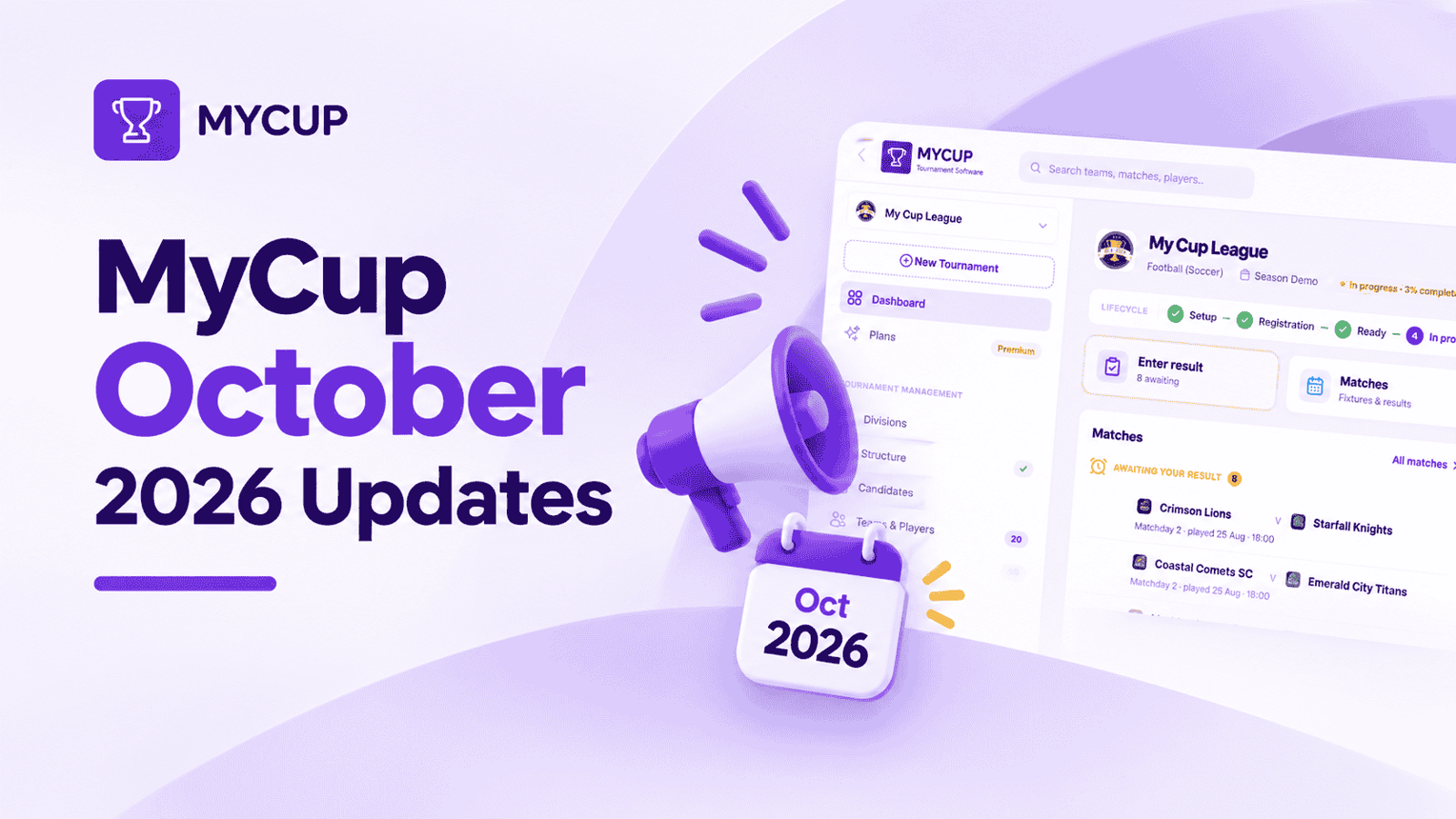
In October, MyCup moved from running the matches to running the whole cup. You can now track every club from first enquiry to paid booking, manage hotels, beds and meals, send clubs surveys that report as charts, and give each volunteer only the matches they are responsible for. Here is what changed, which plan each feature is on, and where to read how it works.
October at a glance
Release | What it replaces | Plan | How it works |
Sales pipeline and registration form | A spreadsheet of interested clubs and an inbox of half-answered emails | Every plan (money totals: Pro and Premium) | |
Hospitality | Hotel allotment sheets, rooming lists sent by email, caterer headcounts by phone | Premium | |
Forms and surveys | Google Forms links sent to team managers and chased by WhatsApp | Premium | |
Match assignments | A printed list of who scores which pitch | Premium | |
Booking form improvements | Proforma invoices built by hand in Word | Pro and Premium |
Sales pipeline: know which clubs will actually sign up
If you sell places in your cup, most of the work happens months before kick-off. Clubs enquire through your website, an agent or a contact at another tournament, then go quiet. For a spring cup, January to March is when that follow-up decides whether the draw is full.
The Candidates page is now a sales pipeline. Every interested club becomes a lead with:
a source (website, email, agent, social media)
an owner and a next follow-up date
a headcount, country and division
The summary strip shows leads, expected value, confirmed and collected amounts, and conversion. You can compare with earlier seasons and see which channels bring teams that pay.
You can log calls, emails and meetings on each lead. When a club drops out, you record why: price, dates, chose another tournament. A Follow-ups due card on the dashboard and a My follow-ups filter show what needs doing today.
Plan: Every plan. Lead values, the Pipeline, Confirmed and Collected totals, and booking forms for leads need Pro or Premium.
How it works: Sales pipeline (Candidates)
A registration form that collects what the booking needs
Registration now has its own page under Sales → Registration form. For each question you choose Off, Internal, Optional or Required. New questions cover:
how the club heard about the cup
the number of players, staff and companions
travel dates, billing details and a payment option
consent to your terms, with MyCup saving the time and the exact wording the club agreed to
Clubs no longer upload their crest on the public form; you add it on the lead.
Plan: Every plan. Default packages (your price per team or per division) need Pro or Premium.
How it works: Registration form
Hospitality: see the gap between people and beds before the hotel does
International youth cups often lose money on rooms nobody slept in. A club books 40 beds in February, arrives with 31 in April, and the release deadline on the allotment passed weeks ago. The reworked Hospitality pages are built around that problem.
There are four connected pages. Each one works on its own and each exports a sheet:
Accommodations: hotels, hostels, schools, pavilions or campsites. Record rooms held, price per room or per person per night, and a release deadline with a countdown. Over-booking is flagged, not blocked, because real allotments are sometimes stretched on purpose.
Groups and allocation: beds for people who aren't on a team list, such as parents, coach drivers, referees and officials. Set a meal plan per booking (room only, bed and breakfast, half board, full board). Auto-allocate fills the rooms without over-booking and without splitting a group across hotels.
Rooming lists: filled automatically from the squads or imported from a spreadsheet. You get one sheet per hotel covering every club, with a "marked as sent" date.
Meals: meal times, kitchens, seats, price per person and special diets, with one caterer sheet for the whole tournament.
Clubs can also fill in their own rooming list in the Team Panel. They can add a guest, such as a parent or physio, by typing a name.
Plan: Premium.
How it works: Accommodations · Allocation · Rooming lists · Meals · Rooming list in the Team Panel
Forms and surveys: feedback from every club, without chasing
Team forms have been rebuilt into forms and surveys. You can set up a post-event satisfaction survey in a few minutes and see the results as charts.
Question types: 12, including star ratings, scales, grids, yes/no, and a 0 to 10 scale that can be reported as an NPS score.
Conditional questions: a question appears only when an earlier answer calls for it.
Templates: Tournament satisfaction survey, Accommodation feedback and Meals feedback.
Timing and reminders: you choose when a form opens and closes. Team managers get an email when it opens and automatic reminders until they answer.
Sharing: share a form as a public link or a QR code that anyone can answer without logging in, or make it anonymous.
Results: charts, plus answers by team and role. Export to CSV or PDF.
Plan: Premium (part of the Team Panel).
How it works: Team forms
Match assignments: one volunteer, their own matches
On a busy Saturday with four halls running, the risk isn't a missing score. It's a volunteer in hall 2 typing a result into hall 3's match.
You can now assign people from your admin team to one match, a whole matchday or a whole venue at a time. Each person gets one email listing their new matches. Everyone has a My matches filter, and the Matches list shows who is looking after each game.
Turn on Only assigned matches on the Admin Users page, and that volunteer sees and scores only the matches you gave them.
Plan: Premium.
How it works: Admin users and roles
Match day and the admin team
Two admin roles
An Administrator can do everything. A Results editor works only in Matches: entering scores, goals and cards, and using Live scoring. They can't touch teams, the schedule, settings or finances.
Plan: Every plan.
How it works: Admin users and roles
Ties the rules can't break
When teams are still level after every tiebreaker, MyCup no longer picks one. A Ties to decide notice appears, and you record a penalty shootout, drawing of lots or organiser decision. The next round waits for it, and your public site shows how the tie was settled, which saves an argument at the fixtures board.
Plan: Every plan.
How it works: Deciding level teams
Two people, one match
The Matches page shows who else has a match open, and an out-of-date save is blocked. Two volunteers can no longer overwrite each other's result.
Plan: Every plan.
How it works: Matches
Smaller admin changes
The Admin Users page has a Settings column. The switch between the two panels is now labelled Tournament and Team.
Plan: Every plan.
Team Panel: the clubs' own portal
The Team Panel gives every club its own login for squads, staff, forms, documents and payments. In October:
Club dashboard.
Before the tournament: a countdown to the first match and a readiness checklist (squad, staff, team info, forms, documents, payments).
During it: the next match, group position and fixtures.
Afterwards: a season summary and the club's history over the last three seasons.
Things that need you: a card that shows forms not yet filled in and announcements not yet acknowledged.
Quiet setup. You can load and convert all teams without emailing anyone. Access and announcement emails are held while the Team Panel is closed, and a new switch turns access emails off. When you're ready, Email managers sends them in one go.
Staff details: role, date of birth and nationality can now be required for staff, not only for players.
Plan: Premium.
How it works: Team dashboard · Enabling the Team Panel · Managing staff
Booking forms and finances
Finances is your ledger: fees, payments, reminders and proforma invoices. In October:
Earlier booking forms: they can go to leads before a club is confirmed, so deposits have a home from the first conversation.
Notes templates: write your package inclusions once and add them to every form.
Cleaner PDFs: reservation notes get their own heading, and bank details always stay together as one block. Preview the PDF before sending. Numbering includes the year (1/2026).
Add stay and meals: builds the hotel and meal lines on a booking form from the club's Hospitality bookings.
Per-person fees: billed through booking forms, where you set the headcount.
Withdrawn clubs: they sit in a collapsed section and are left out of the totals.
Plan: Pro and Premium.
How it works: Booking forms · Tracking payments
Which plan do you need?
If you want to... | Free | Pro | Premium |
Track leads, sources, follow-ups and conversions | Yes | Yes | Yes |
See lead values and send booking forms to leads | No | Yes | Yes |
Use the Results editor role and Ties to decide | Yes | Yes | Yes |
Manage hotels, rooming lists and meals | No | No | Yes |
Send surveys with charts and NPS | No | No | Yes |
Assign volunteers to their own matches | No | No | Yes |
Give every club its own Team Panel | No | No | Yes |
Frequently Asked Questions
Is MyCup a subscription?
Does MyCup collect entry fees online?
Which plan includes hotel and meal management?
Can a volunteer see only the matches they are scoring?
Can parents or spectators answer a survey without an account?
Do I get email reminders for sales follow-ups?
Is there a MyCup app to download?