How to Choose Tournament Management Software: A 15-Point Buyer's Checklist

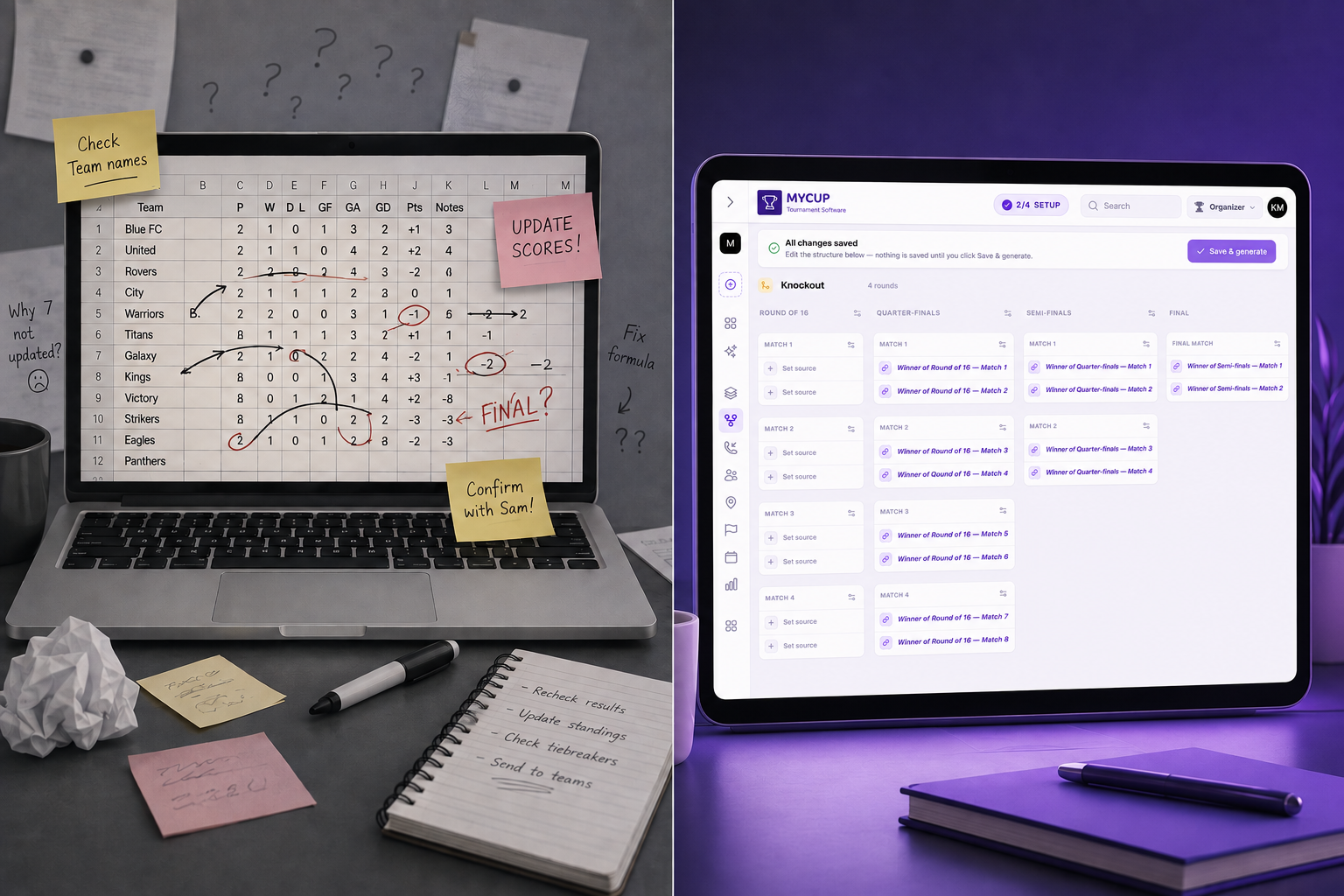
Most tournament organisers don't set out to buy "tournament management software." They set out to stop losing an evening to spreadsheet formulas, stop fielding "what's my team's next match?" messages, and stop manually copying results onto a Facebook post at 11 pm. The software is just the means to get there.
That's exactly why choosing the wrong platform is so easy, and so costly. A tool that looks capable on its pricing page can still fall apart the moment you load in 40 teams across four age divisions, or when a coach needs to submit a lineup from their phone pitch-side. You usually only find out once you're mid-tournament.
This checklist moves that discovery earlier. It's a practical answer to how to choose tournament management software that actually holds up once real teams, real divisions and real matches are loaded in, built around fifteen criteria that separate systems in practice, not a list of tournament software features pulled straight off a pricing page. We also point out, transparently, where MyCup fits and where it doesn't, so you can use this as a genuine buying framework rather than a sales pitch dressed up as one.
How to Use This Checklist
Before you get to feature comparisons, get clear on your own tournament management system requirements. The same platform can be a great or terrible fit depending on your event's shape:
Scale. How many teams, divisions and participants does your biggest event of the year involve, not your average one?
Format. Are you running straight knockout brackets, round robins, group-stage-plus-playoffs, or a mix depending on the sport and division?
Who does the data entry. Is it just you and a co-organiser, or do you want 20+ team managers entering their own rosters?
How public it needs to be. Do parents, fans and sponsors need a live results page, or is this an internal tool?
With those answers in hand, work through the fifteen points below. Each one includes the question to ask a vendor and the red flag to watch for.
Downloadable Buyer's Scorecard
Use this scorecard to score up to three vendors against all fifteen criteria on a 1–5 scale (5 = fully meets the need, 1 = doesn't meet it).
# | Criterion | What "5" looks like | Vendor A | Vendor B | Vendor C |
1 | Sport & format flexibility | Builds every format you run, mixed within one event | |||
2 | Multi-division / age-group support | Divisions are first-class, independently configurable | |||
3 | Capacity headroom | Comfortably covers your biggest event, not just today's | |||
4 | Registration workflow | Self-service form + organiser approval | |||
5 | Roster & document self-service | Teams manage their own rosters and files | |||
6 | Scheduling & fixture generation | Auto-generates fixtures, venues and referees | |||
7 | User roles & permissions | Scoped access for organisers, referees, team managers | |||
8 | Public tournament website | Mobile-friendly, branded, live standings/schedule/results | |||
9 | Live results & statistics | Real-time scores, standings, top scorers, lineups | |||
10 | Branding & customisation | Logo, colours, sponsors, documents on public site | |||
11 | Language & localisation | Public site and admin both genuinely translated | |||
12 | Data export & reporting | Full CSV/PDF export of rosters, registrations, results | |||
13 | Support responsiveness | Clear, fast SLA in writing | |||
14 | Pricing model fit | Matches how often and how big you actually run events | |||
15 | Proof at your scale | Named reference tournament close to your size/format | |||
Total (out of 75) |
The 15-point Tournament Software Buyer's Checklist
Event structure
1. Sport and format flexibility: Can the platform build the specific structures you run (league/round-robin tables, knockout brackets, group stage plus playoffs, or a fully custom structure), and not just one of them? Ask whether formats can be mixed within a single event (for example, group stage for one division and straight knockout for another). MyCup's structure builder supports league/round-robin, knockout and group-stage-plus-playoffs formats, plus a fully custom structure; if you specifically need automatic double-elimination bracket generation, confirm that with any vendor before assuming it. It's a common gap even among established platforms.

2. Multi-division and age-group support: If you run more than one division, bracket or age group under one event (youth football with U11/U13/U15, or a multi-court volleyball day), check whether the platform treats divisions as a first-class feature (each with its own format, teams and schedule) or as a workaround. MyCup supports multiple custom divisions under one tournament, with each division configurable independently and teams auto-promoted where relevant.

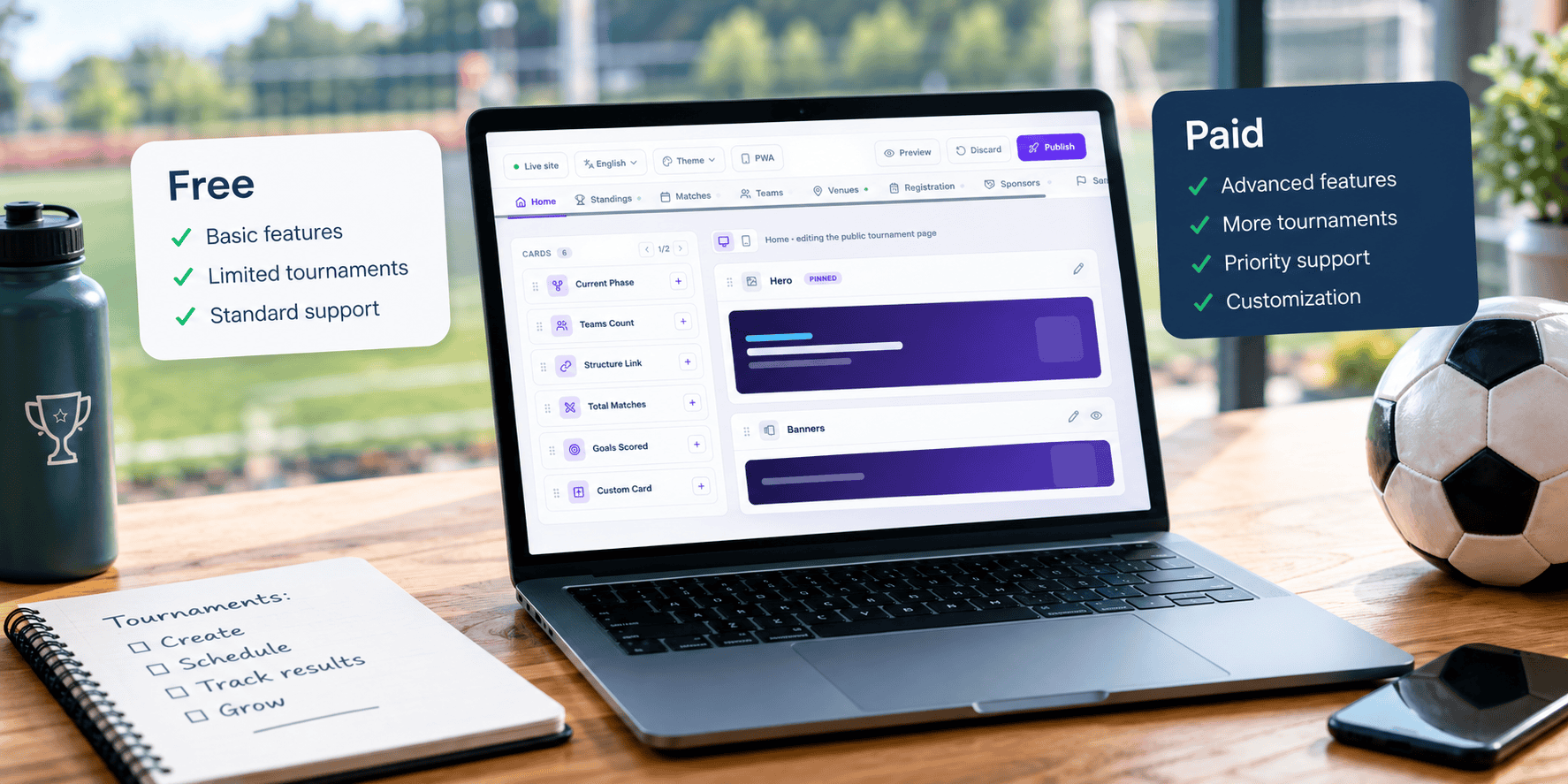
3. Participant and team capacity headroom: Don't size the plan to today's event. Size it to your biggest one. Vendors commonly cap free and entry tiers at a small number of teams (MyCup's free tier is capped at 8 teams and participants, for example), then step up sharply at each paid tier. Ask what happens if you go over the cap mid-tournament, and whether upgrading is disruptive.
People
4. Registration workflow: Look for a self-service registration form that teams fill in themselves, with an organiser review-and-approve step before they're confirmed. This is what actually eliminates the email thread. MyCup's built-in registration forms let teams sign up directly, with organisers reviewing and approving each entry before rosters are finalised. Ask whether registration can be turned off entirely for events where you're adding teams manually instead.
5. Roster and document self-service: Once a team is registered, who updates their roster if a player is added late, or uploads a signed waiver? Platforms that make this the organiser's job don't scale past a handful of teams. MyCup's Team Manager Panel lets each club manage its own roster, staff list and documents directly, which is what let 29 clubs handle their own player and staff data on the Dínamo Futsal CUP without the organiser touching a spreadsheet.

6. Scheduling and fixture generation: Manual scheduling is the single biggest time cost cited by organisers moving off spreadsheets. Check whether the platform can auto-generate fixtures for your format (round-robin or bracket), assign venues, referees and match days, and balance home/away assignments, and whether you can still adjust a fixture by hand afterwards. MyCup generates fixtures automatically from the structure you've built and lets you assign venues and referees on top.
7. User roles and permissions: Beyond "organiser" and "everyone else," check what roles actually exist: can you hand a co-organiser dashboard access without giving them billing access, can referees or venue staff get a scoped view, and can team managers only see and edit their own team's data? MyCup separates organiser dashboard access from team-manager self-service and referee/venue assignment, which is what keeps 94 staff and 29 clubs from stepping on each other's data on a single event.
Presentation
8. Public tournament website: This is often the most visible feature to your participants and the one most under-specified by buyers. Confirm the public site is mobile-friendly by default (most viewing happens on a phone, pitch-side), shows standings, schedule and results, and can carry your own branding rather than a generic template. MyCup gives every tournament a mobile-friendly public site with standings, schedule and results, themeable with your own colours and background.

9. Live results and statistics: Ask specifically what updates in real time versus what needs a manual refresh or CSV re-upload: scores, standings, top scorers, cards, and, for team sports, lineups and substitutions. MyCup updates scores, standings, top scorers, assists, goals, cards, lineups and substitutions live, with stats generated automatically as results come in.
10. Branding and customisation: Sponsors and parent clubs both notice when an event looks generic. Check what's actually customisable: logo, colours, background, and whether you can publish sponsor logos and documents (rulebooks, schedules, forms) on the public site, and whether that's gated to a higher plan. On MyCup, this scales by plan: Free carries a MyCup watermark; Pro adds custom branding and up to 5 published documents; Premium adds advanced branding, up to 20 files and sponsor listings on the public site.
11. Language and localisation: If any of your teams, parents or sponsors aren't native English speakers, ask whether the public site is actually translated (not just capable of being manually edited) and how many languages are supported for the admin/team-manager side versus the public-facing side. These are often different numbers. MyCup's public tournament sites support 15 languages; the organiser dashboard and Team Manager Panel are fully translated in 7.
The business relationship
12. Data export and reporting: Ask what you actually own if you stop using the platform: can you export rosters, registrations and results to CSV or PDF, and is that available on every plan or only above a certain tier?

13. Support responsiveness: Support quality is invisible until match day, when it matters most. Ask for the actual response-time commitment, not just "we offer support", and whether it changes on your plan.
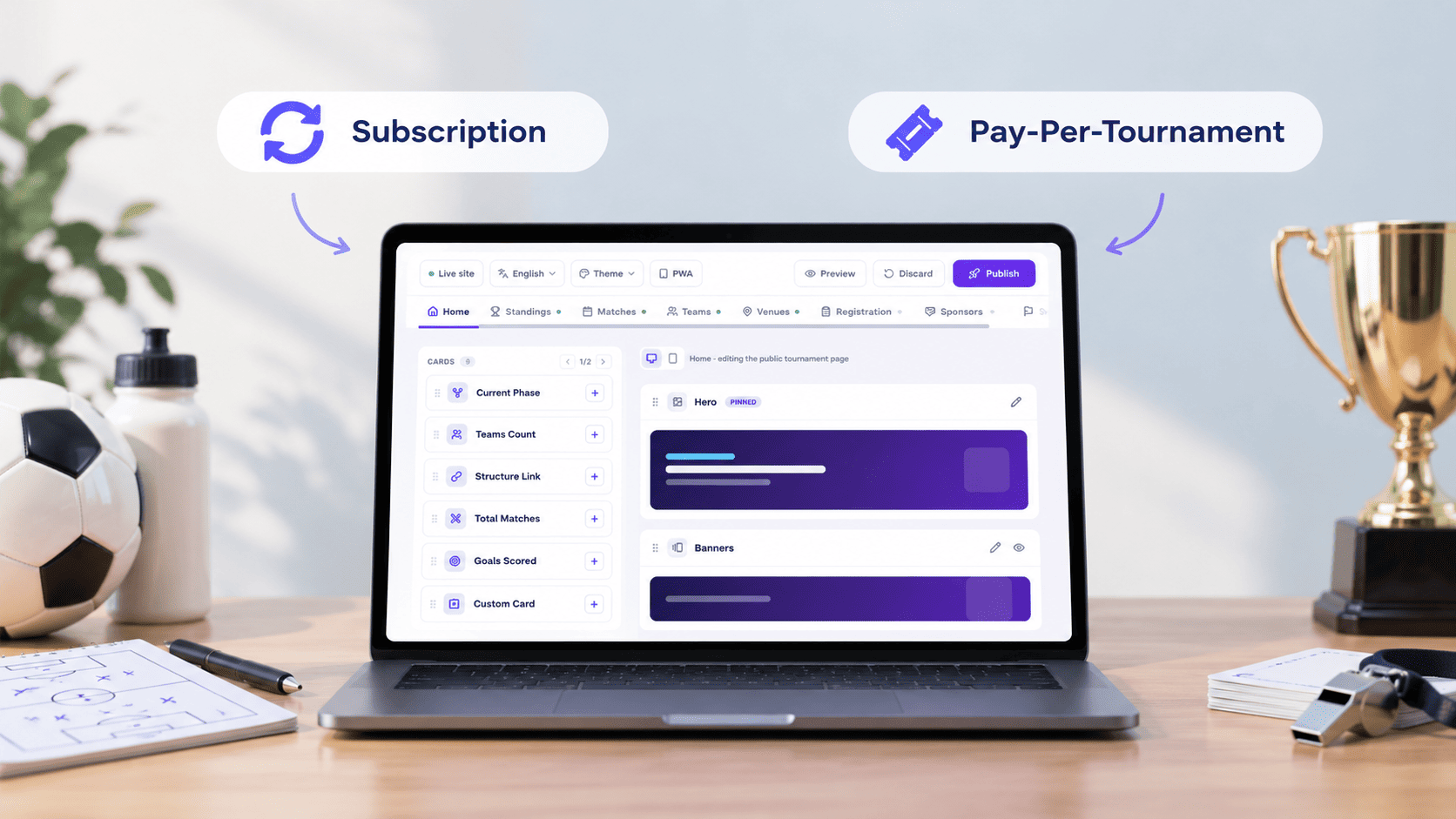
14. Pricing model that matches how you run events: Per-tournament pricing and monthly subscriptions suit different organisers. If you run one or two events a year, a one-time per-tournament fee avoids paying for months of inactivity. If you run tournaments continuously, compare the annualised cost against a subscription competitor before assuming per-event pricing is cheaper. Either way, check what happens to your event's public site and data after the tournament ends.
15. Prove it works at your scale, not just in a demo: A polished demo with three sample teams tells you almost nothing about how software behaves at 30 teams and 58 matches. Ask for a real, named case study or reference tournament close to your own size and format (not just a features list), and be wary of any vendor that can't or won't supply one.
A Worked Example: Scoring a 3-division Youth Event
To see the checklist in practice, here's how it maps onto a real event: the Dínamo Futsal CUP (3 divisions, 29 teams, 58 matches, 352 players):
Structure (points 1–3): three age divisions run as one tournament rather than three separate sign-ups.
People (points 4–7): clubs registered through public forms, were approved by organisers, and then managed their own rosters and staff (29 clubs' worth of data entry the organiser never touched directly).
Presentation (points 8–11): a live public site tracked scores, standings and top scorers across 493 goals, with Portuguese localisation added on request.
Business relationship (points 12–15): 116 submitted forms were consolidated into automatic PDF/CSV reports, and the event's public site remained live after the tournament ended.
Choosing With Confidence
Fifteen points is a lot to hold in your head during a sales call, which is exactly why the scorecard above exists: score each vendor against all fifteen, in writing, before you commit a season's worth of tournaments to one platform. The criteria that matter most will depend on your event: a single-division weekend knockout leans hardest on points 1, 6 and 8; a multi-division season leans hardest on points 2, 5 and 12.
MyCup was built around this exact list of tournament software features: multi-division structures, self-service registration and rosters, automatic scheduling, a branded public site with live results, scoped roles, 15-language public sites and one-time per-tournament pricing. We've tried to be equally direct here about where it has limits (an 8-team cap on the free tier, no confirmed automatic double-elimination bracket generation, and support SLAs that tighten as you move up plans).
Whichever platform you land on, the point of this framework is the same: judge tournament management software by how it handles your actual event, not by how it reads on a features page.
Frequently Asked Questions
What's the difference between tournament management software and bracket software?
How many of these 15 points do I actually need for a small local tournament?
Should I choose software based on price or features first?
Do I need separate software for eSports versus traditional sports tournaments?
What should I ask a vendor that isn't on this checklist?